Tips for Array Coils
| Individual reconstruction of images from array elements: Uncombined/Shuffle For trouble-shooting regarding array coils, it is sometimes useful to look at the individual images obtained with the array elements. This can still be achieved after the scan has been succeeded:
A further reconstruction has now been performed and the uncombined (individual) images of the coil elements can be viewed and compared in the Viewing Card.
Please note that the QA Coil Check SNR Report does not work on uncombined (individual) images. |

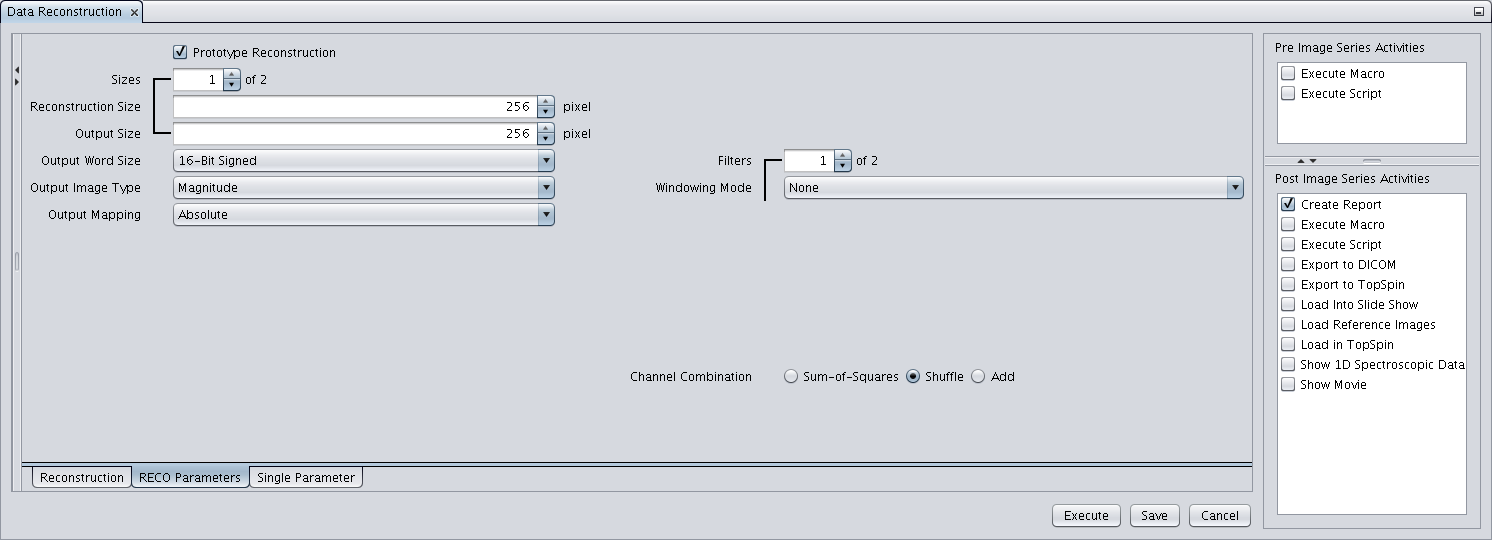
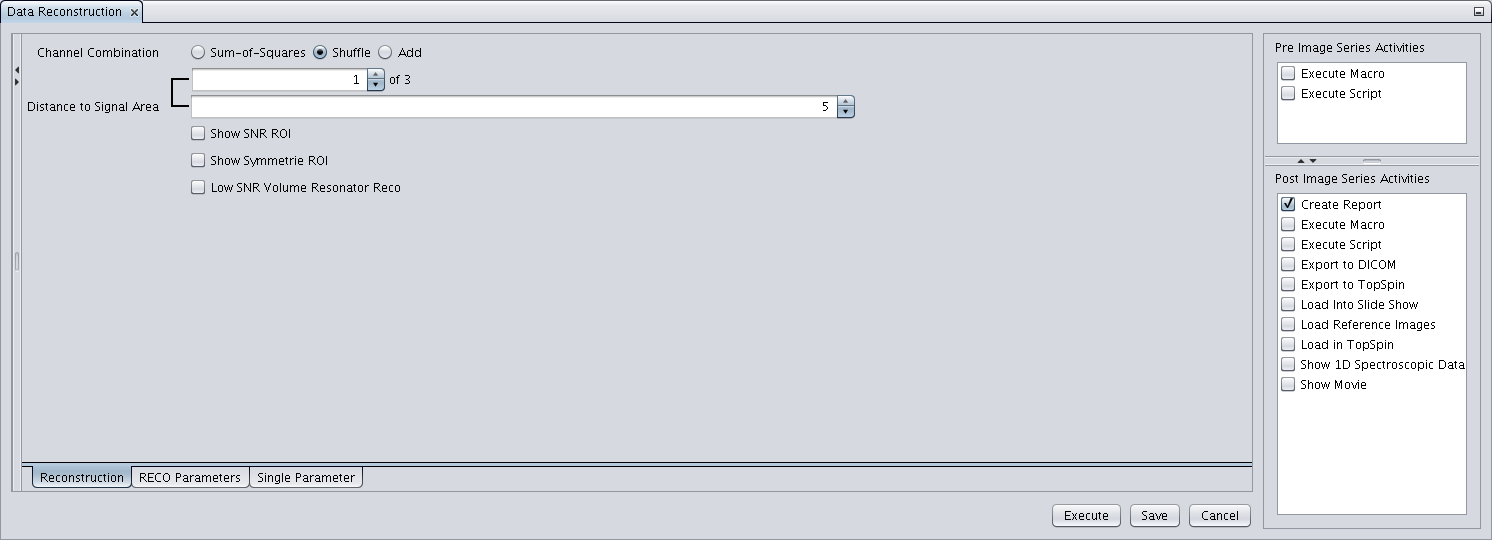 (Show SNR ROI and Show Symmetry ROI must not be selected. Note that after deselecting these, Prototype Reconstruction needs to be selected again)