QA Setup
For QA use
- animal base cradle rat or mouse with TIP SUC.
- Select the corresponding cubic phantom (1H or X-nucleus) and position as follows:
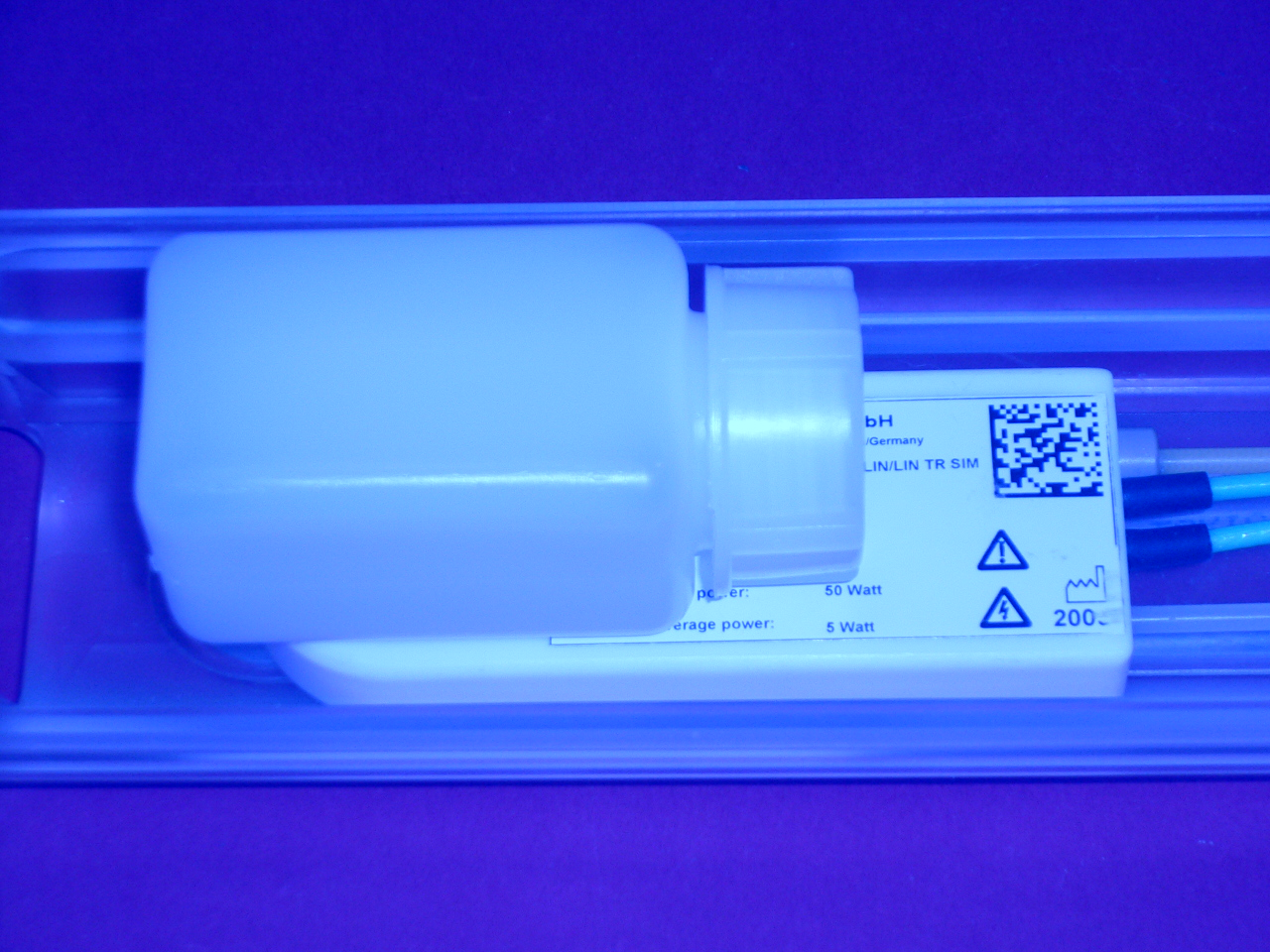
QA phantom setup: make sure to place the phantom on the sample side of the coil.
The QA phantom typically represents a loaded condition of the MRI RF Coil.
Start the QA workflow as follows:
- Scan localizer images to assure centered position of the setup
NOTICE

Phantom expiration date
The phantom should not be used after the expiration date in order to obtain reproducible results.
